

Feature 01 / Banking & Investment Automation
Banking & investment automation.
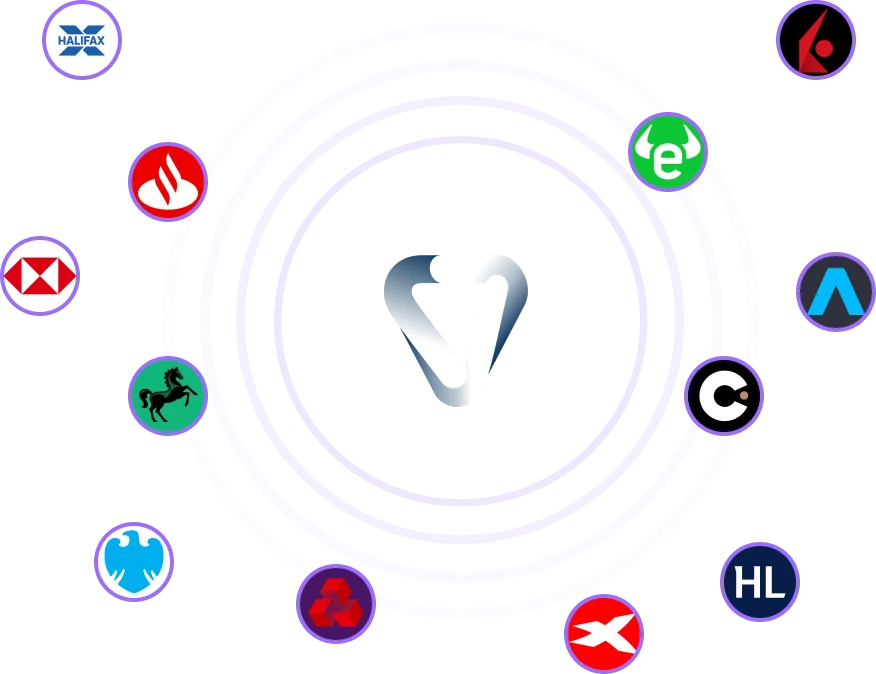
Vardon connects your bank and brokerage accounts so you can track transactions and investments together. Automatic bank imports can use your saved payment choices to reduce repeat entry.
You choose what syncs through read-only connections.
Bank sync
Sync your bank transactions
Bring in transactions from connected bank accounts and switch automatic imports on or off.
Transaction mappings
Save your payment choices
Vardon can reuse saved mappings for matching payments. You review anything that needs your input.
Investment tracking
Track your investments
See your brokerage holdings and activity alongside your bank transactions.
How it works
Set up banking automation
Connect an account, then decide which parts of your banking admin to automate.
-
01 / Connect
Connect an account
Choose a supported bank or brokerage and approve the account access requested by its connection provider.
-
02 / Configure
Choose your sync settings
Turn bank sync and automatic imports on or off for each account. Choose a Vardon card for spending imports.
-
03 / Review
Review new activity
Check unmatched bank payments and brokerage activity. Save your bank payment choices for future matches.
01 / Automatic bank sync
Import your bank transactions automatically
Turn on automatic sync to fetch transactions from connected bank accounts. You can switch automatic imports on or off for each account.
Check Settings for the last successful sync, the next scheduled sync and the connection expiry date. You can change your preferences there.
View bank connection status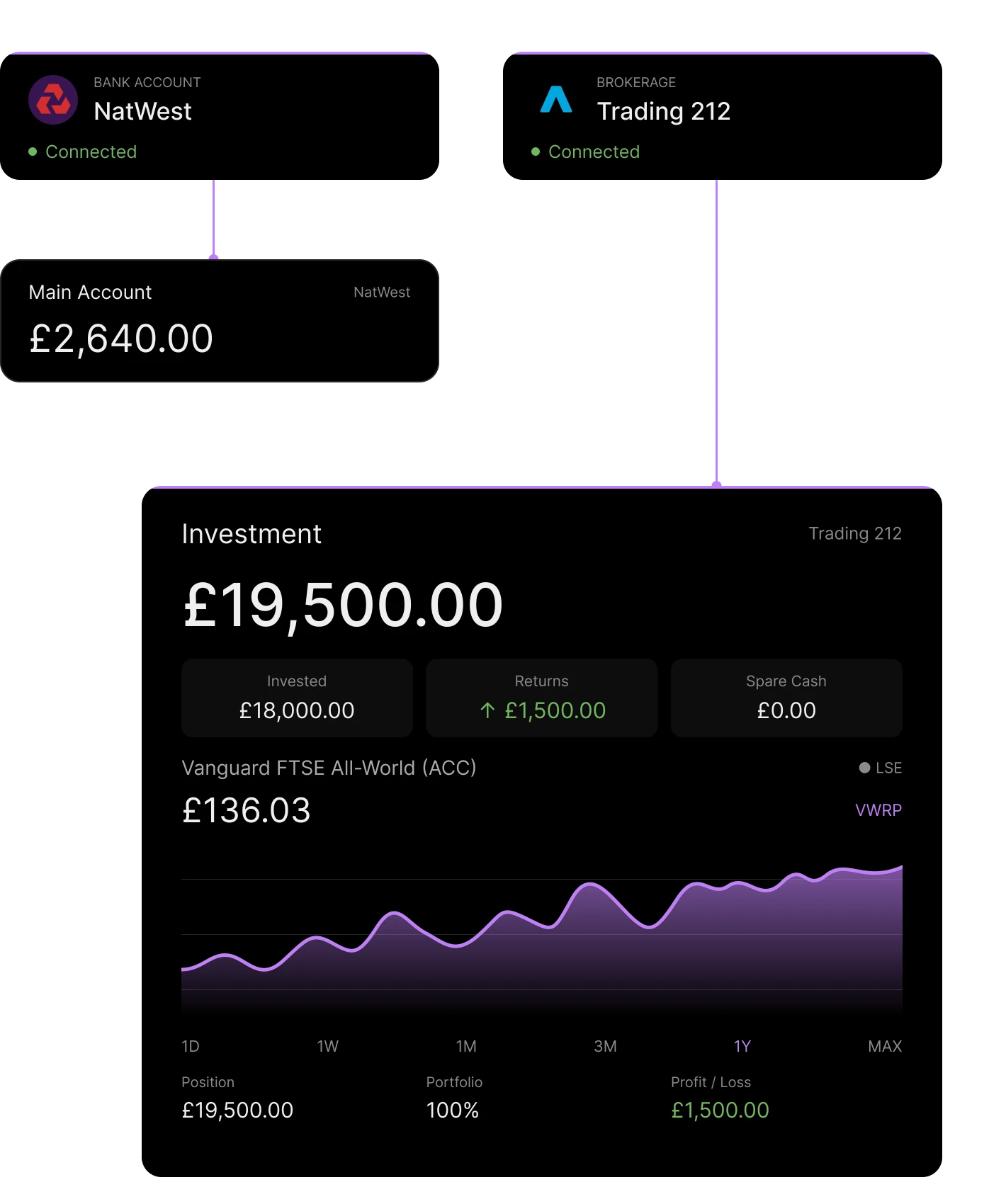
02 / Transaction mapping & reconciliation
Save your choices for matching payments
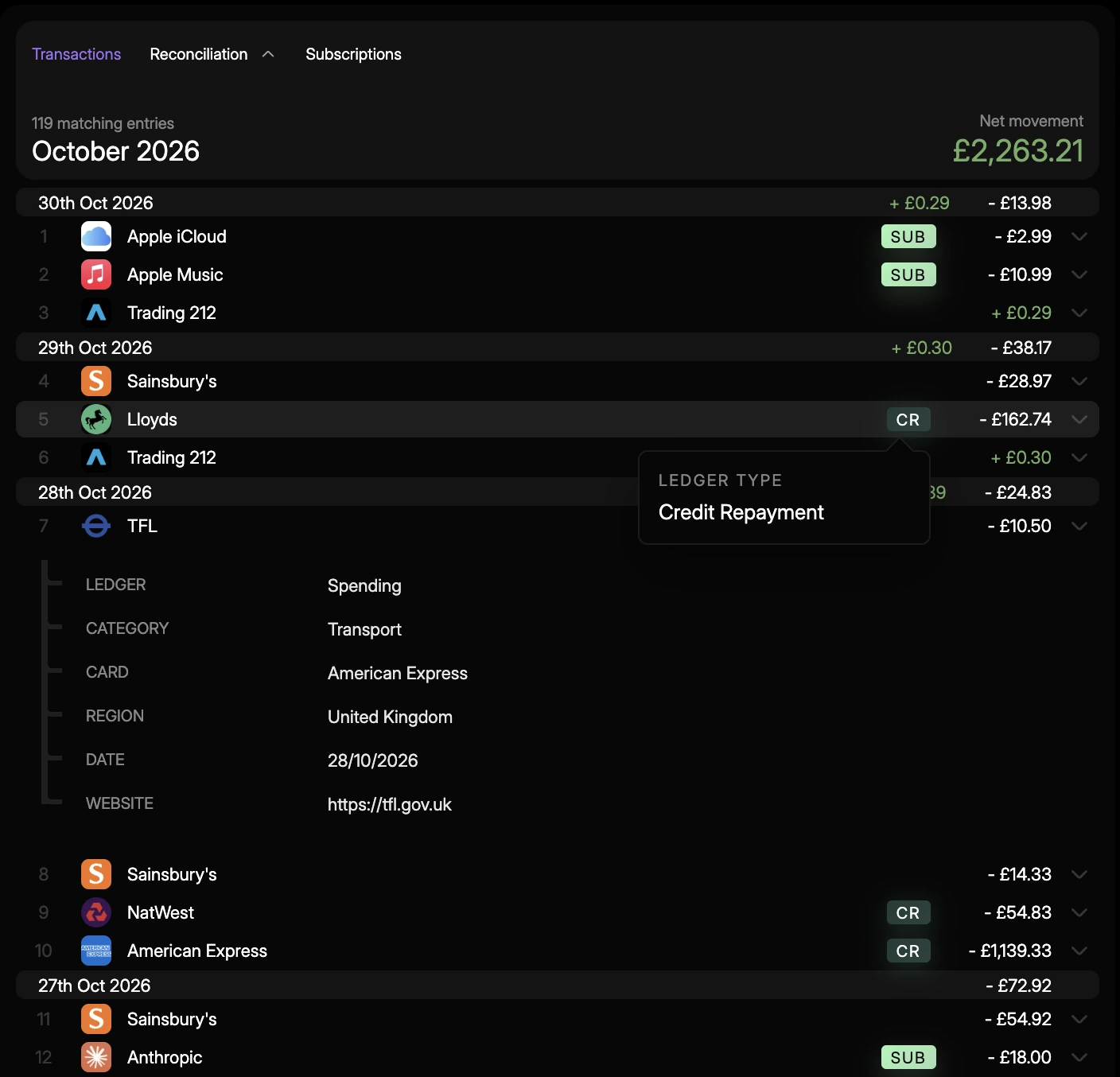
When you review a bank payment, you can save your choices as a mapping. With automatic import enabled, matching payments can use that mapping to go into your ledger.
Other activity appears in Reconciliation. Check the pre-filled details before adding it to your ledger. You can pause or delete saved mappings at any time.
03 / Read-only investment tracking
Track your brokerage holdings and activity
Connect a supported brokerage to sync its holdings and activity. See invested capital, returns and cash balances alongside your bank transactions.
Brokerage activity is automatically handled. When you buy or sell, receive interest or dividends, Vardon handles it automatically.
Check supported brokerage connections 12.62%


04 / Subscriptions
Keep subscriptions in one place
See your active and cancelled subscriptions together, including the average charge and last renewal. Check how many payments have been recorded and open the original transactions for the details.


Account access & control
Manage access to your accounts
Change your connection and automation preferences in Settings.
Permissions
Read-only account access
Vardon can view financial data from supported accounts. Brokerage connections cannot place trades.
Preferences
Choose what runs automatically
Manage bank sync and imports separately. You can also pause saved transaction mappings.
Connections
Disconnect an account
Disconnect an account in Settings, or reconnect when your bank consent expires.
What is banking and investment automation in Vardon?
Vardon automates parts of your financial record keeping. It can sync connected bank accounts and import transactions using saved mappings. It also brings brokerage holdings and activity into the same workspace.
Does Vardon import every bank transaction automatically?
No. You can turn on automatic imports separately from bank sync. Matching payments can use saved mappings, while activity that needs your input goes to Reconciliation for review before you add it to the ledger.
Will Vardon buy or sell investments for me?
No. Vardon uses read-only brokerage connections to sync holdings and activity for tracking and record keeping. It cannot place trades.
Which banks and brokerages can I connect?
The supported banks and brokerages are listed in Vardon. What you can connect depends on the institution, its provider and the connection available. Check Connection Status for current information.
How often does my bank account sync?
Sync timing and availability depend on your bank connection. Vardon shows each account’s next scheduled sync. In Settings, you can check the last successful sync and change your automatic sync preferences.
Can I turn off imports or disconnect an account?
Yes. Each bank account has separate controls for automatic sync and imports. You can pause or delete saved mappings and disconnect accounts in Settings. If bank consent expires, you can reconnect there too.

Banking & investment automation
Connect your accounts in Vardon.
Download the app to manage your bank transactions and investments together.
Download Vardon